Dr. Charles Xu
The Rockefeller University, USA
Dr. Charles Xu
The Rockefeller University, USA
VectorBee is an amazing software for molecular cloning designs and sequence alignments. It is the best alternative to other commercial software. And it is offered free of charge. Thank you so much for providing such great service to the research community!
Provide Your Testimonials

Pierre-Marie Girard
Institut Curie, France
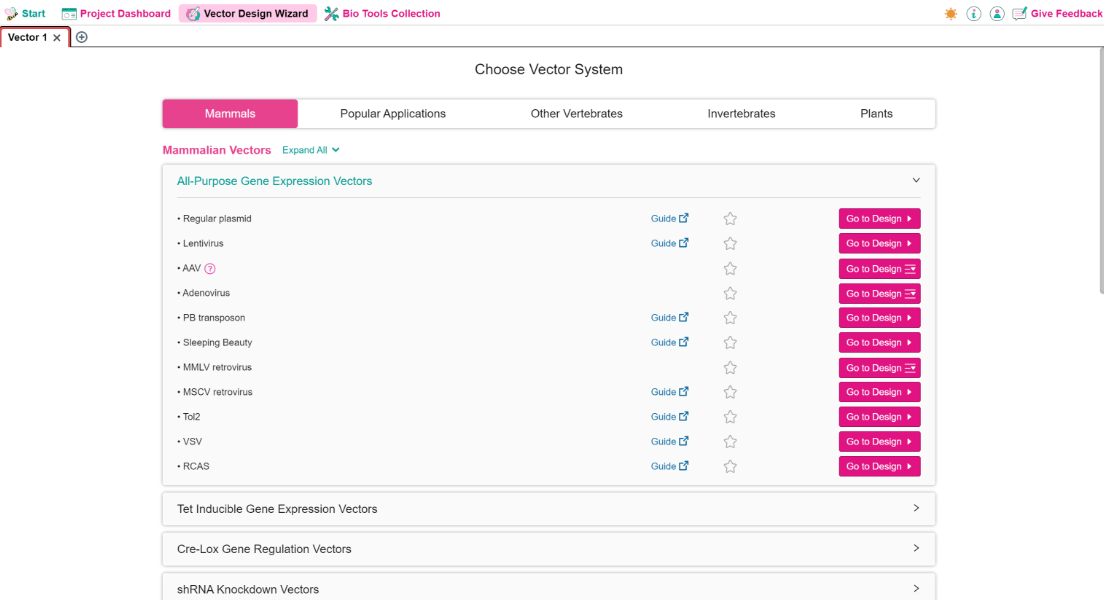
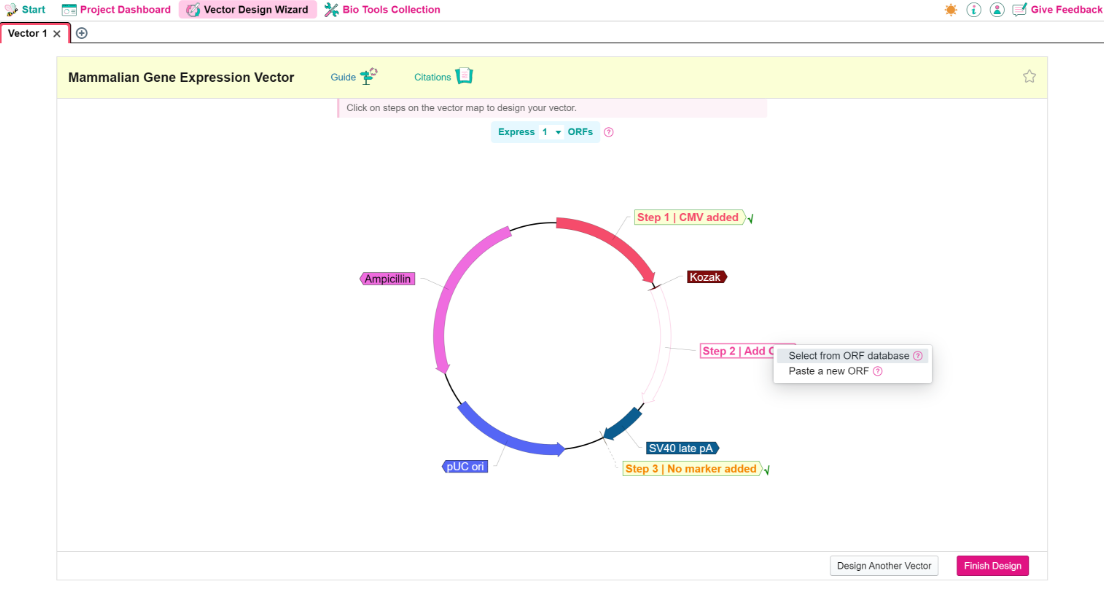
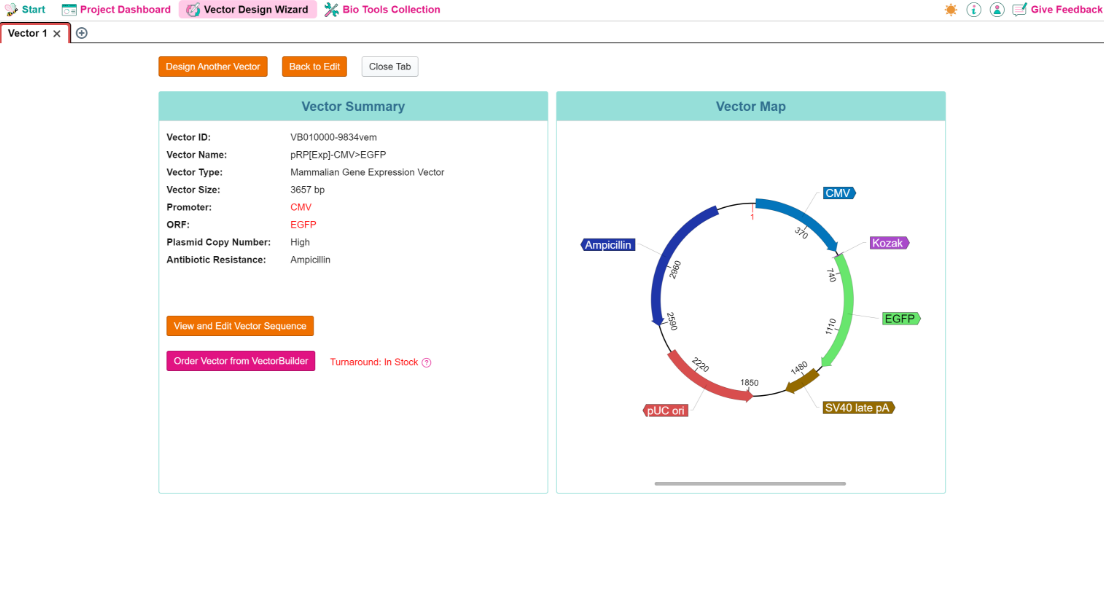
I received a couple of weeks ago two plasmids to express transcripts in vitro, which then are electroporated into mammalian cells to be translated. I had little information about them, apart from having access to the full sequences, and the position of the genes of interest to be transcribed. My idea was to subclone these genes into a mammalian expression vector in order to transfect them into mammalian cells and to have the gene transcribed and translated in cellulo. I first tried online free software but failed to manipulate my sequence easily. Then I used VectorBee and, not only it is a friendly interface easy to use, but in few minutes I managed to create my vectors of interest, with selected promoter, resistance gene, and so on. Amazing software, very easy to use.
Provide Your Testimonials
Dr. Ekaterina Boyarchuk
Centre National de la Recherche Scientifique (CNRS), France
Congratulations to your company on creating such excellent software. It's a real timesaver!
Provide Your Testimonials
Chun Hao Wong
University of Cambridge, UK
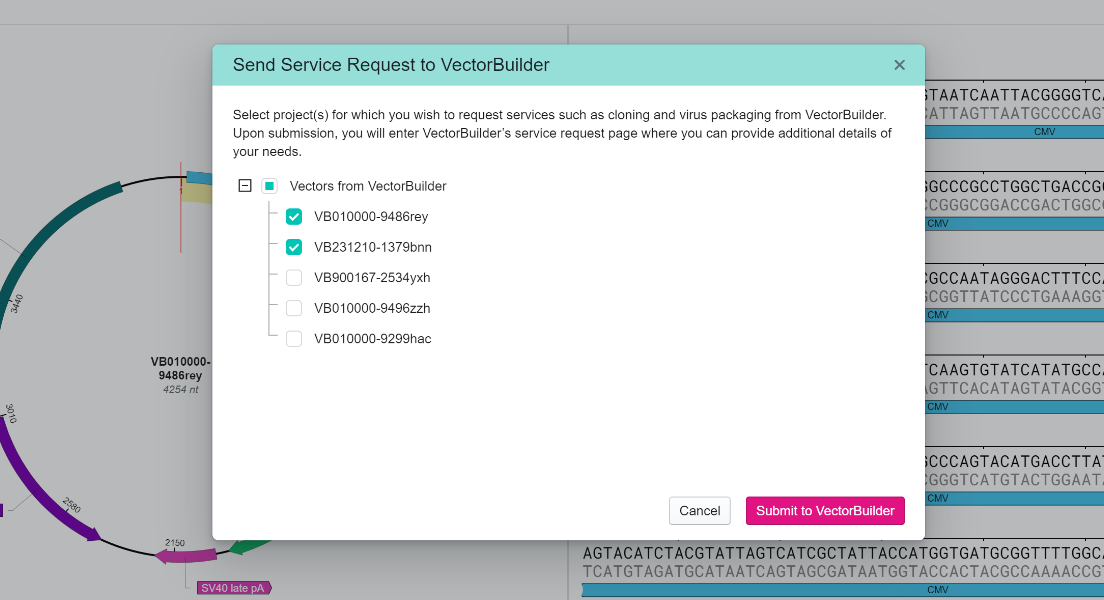
As a first-time user, I was impressed by how accessible and user-friendly VectorBee's software is. The ability to feed designs directly to production on VectorBuilder is a standout feature that really streamlines the workflow. The team was incredibly responsive and knowledgeable. Being able to iterate on designs with the team quickly within the software is super valuable.
Provide Your Testimonials
Dr. Fraser Johnson
Netherlands Cancer Institute, Netherlands
I really like this software. It's a great free alternative to paid software.
Provide Your Testimonials
Dr. Dario Besusso
University of Milan, Italy
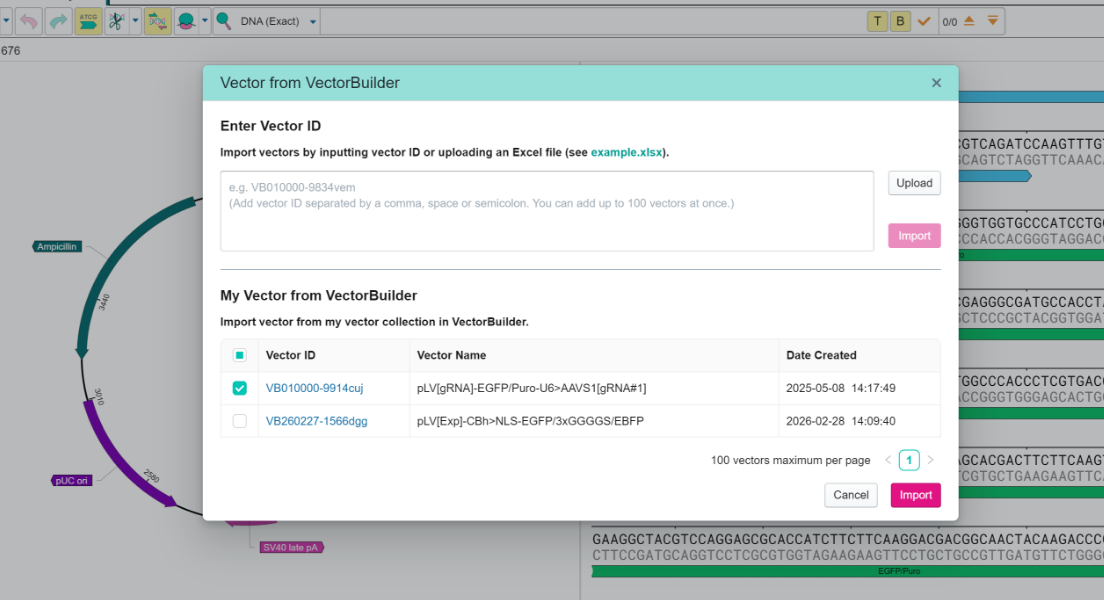
This tool is getting awesome! It reproduces most of the features that can be found in proprietary software and it works seamlessly with VectorBuilder services allowing straightforward design of complex molecular structures leveraging off-the-shelf plasmids available in their database.
Provide Your Testimonials
Tobin Xiang
Chinese Institute for Brain Research, China
Thank you for your great software VectorBee. In these days, I have used VectorBee as an alternative to commercial software which meets most of the functions I need.
Provide Your Testimonials
Dr. Ryoji Fukabori
Fukushima Medical University, Japan
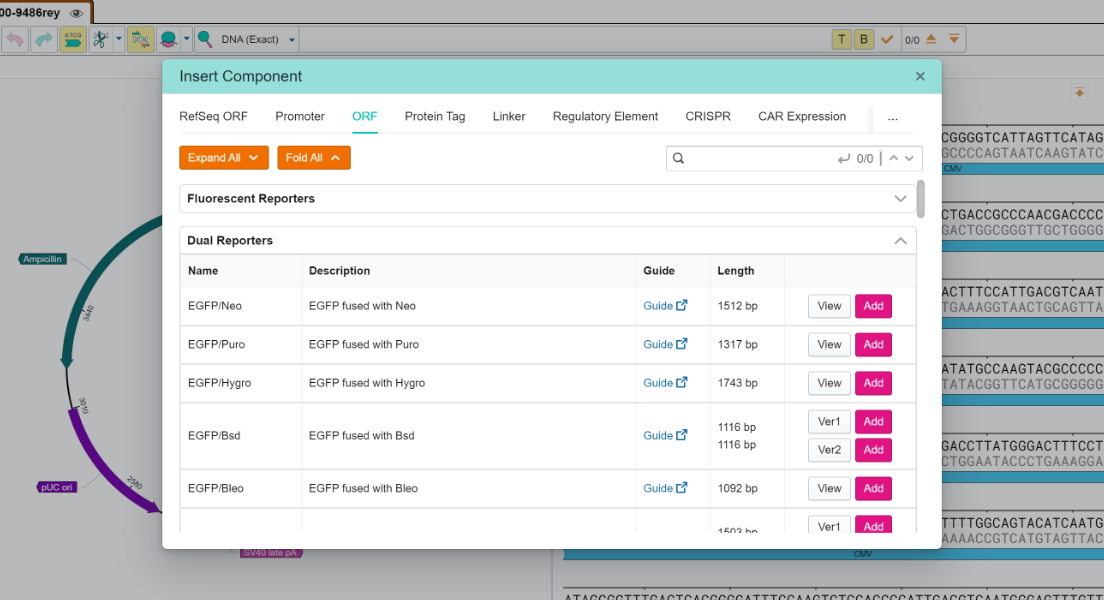
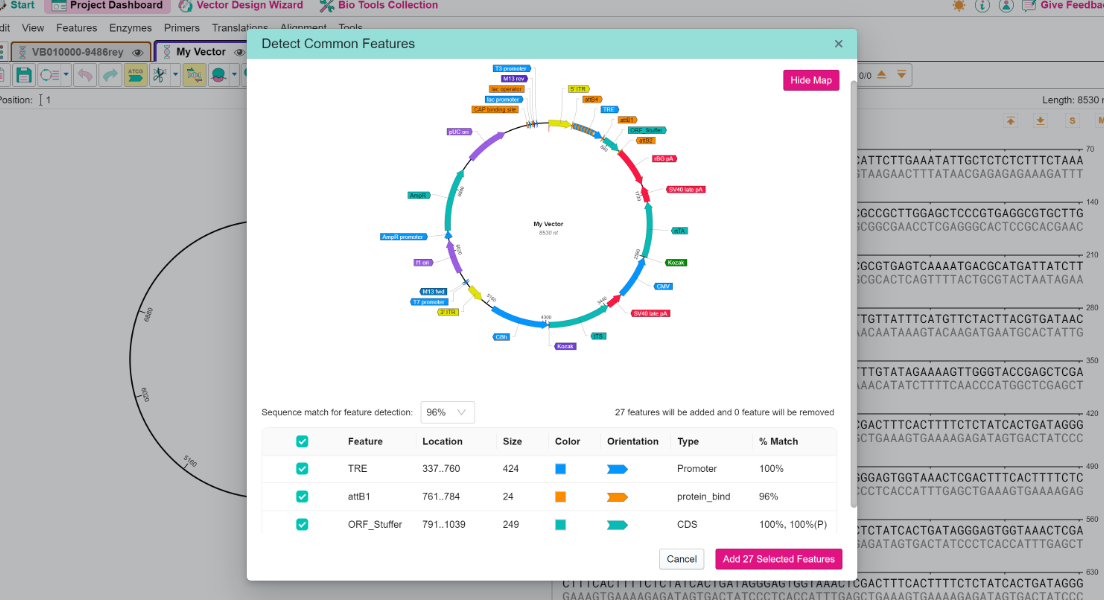
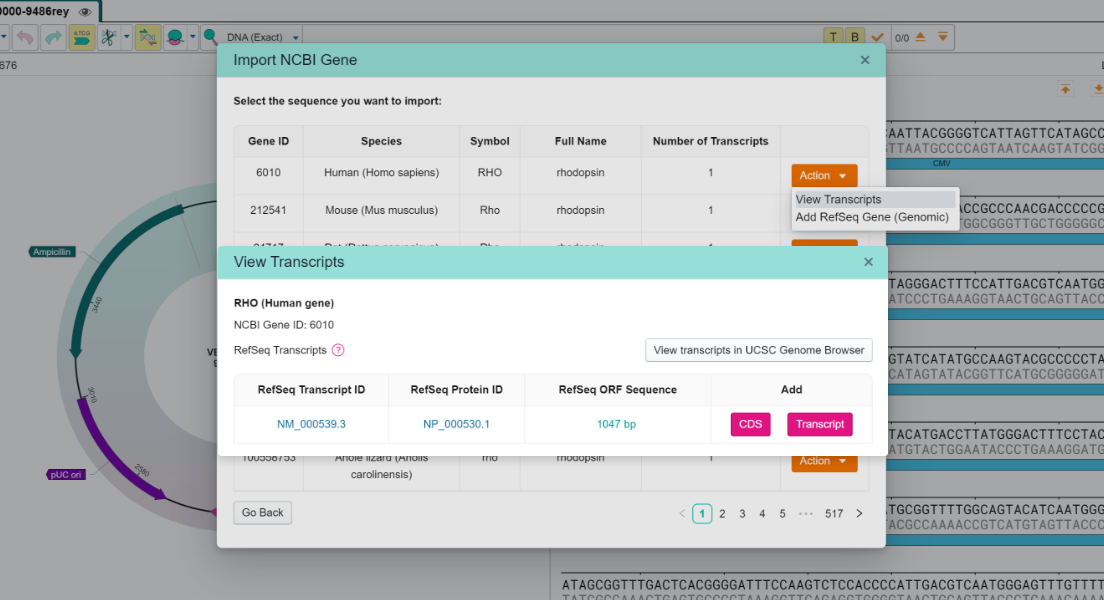
Japan VectorBee is the best app I have used. My favorite feature is the "Insert Component" function, which significantly reduces the time I spend manually searching for and copying sequences from GenBank or other sequence databases. I also appreciate the "Detect Common Features" function, which automatically adds annotations to my older sequence files after converting them to the VectorBee format. I love these :)
Provide Your Testimonials
Anne Macy
University of Arizona College of Medicine - Phoenix, USA
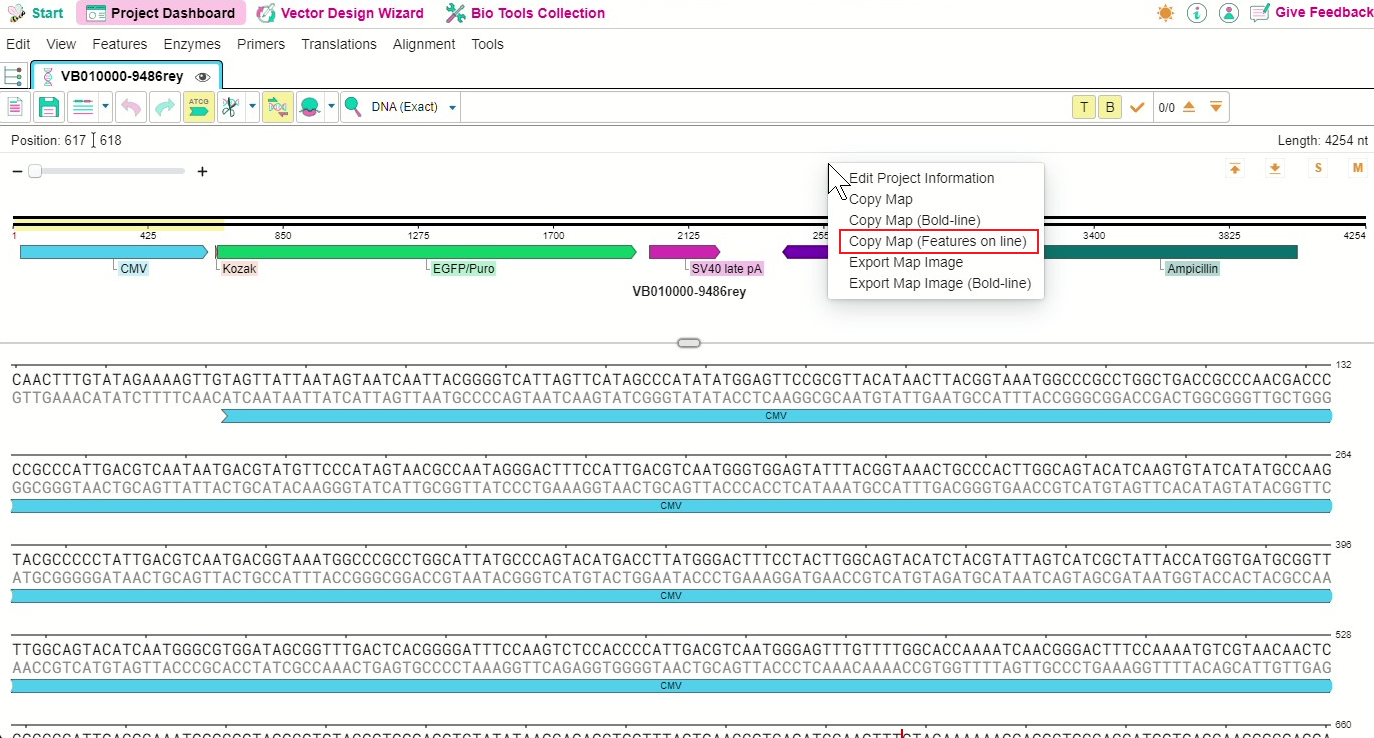
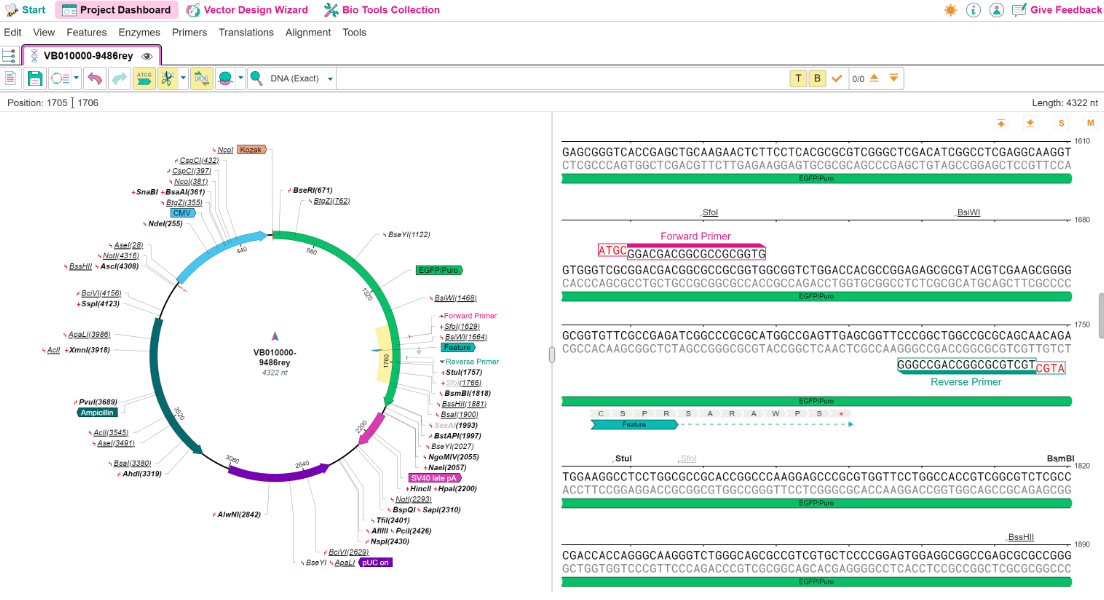
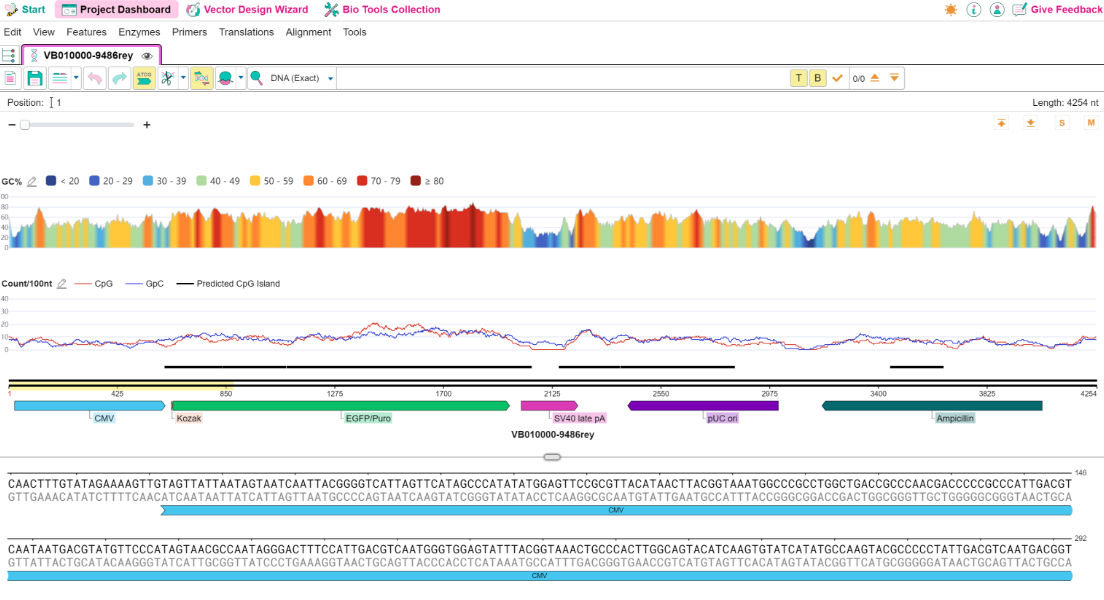
These are the nicest looking maps I've seen, and I'd like to include them in my publication (citing VectorBee, of course).
Provide Your Testimonials
Angelique Krempler
Georg-August-Universität Göttingen, Germany
First of all, I adore your program, it is really nice to work with.
Provide Your Testimonials
Dr. Ozdemirhan Sercin
German Aerospace Center (DLR)
All in all, it completely replaced commercial software without any major downsides. I am very happy about it, my group and I enjoy using it on a daily basis. Snapgene pricing is a crime. We just want to do science, it feels like a crime to make it easy without paying for massive licence fees.
Provide Your Testimonials
Maria Ingaramo
NonFiction Laboratories Inc., USA
I'm absolutely loving VectorBee. It is super user-friendly and has made designing constructs even more fun. Plus, the team behind it is incredibly responsive, constantly adding new custom features. Thank you for all the great work and dedication that goes into it. I can't wait to see what comes next!
Provide Your Testimonials
Umang Goswami
Abilita Therapeutics, USA
Kudos to the team for developing a great product. Thank you for making the software and having it available for use.
Provide Your Testimonials
Dr. Jakkrit Amornvit
Chulalongkorn University
I really enjoy using your application, the interface is very user-friendly and convenient.
Provide Your Testimonials
Daniel M. Cooper
University of Liverpool
I have been enjoying using VectorBee as an alternative to commercial software as it provides many of the useful features (e.g. alignment, editing), without the price tag.
Provide Your Testimonials
Krisztina Szilagyi
Gedeon Richter Pharma GmbH, Germany
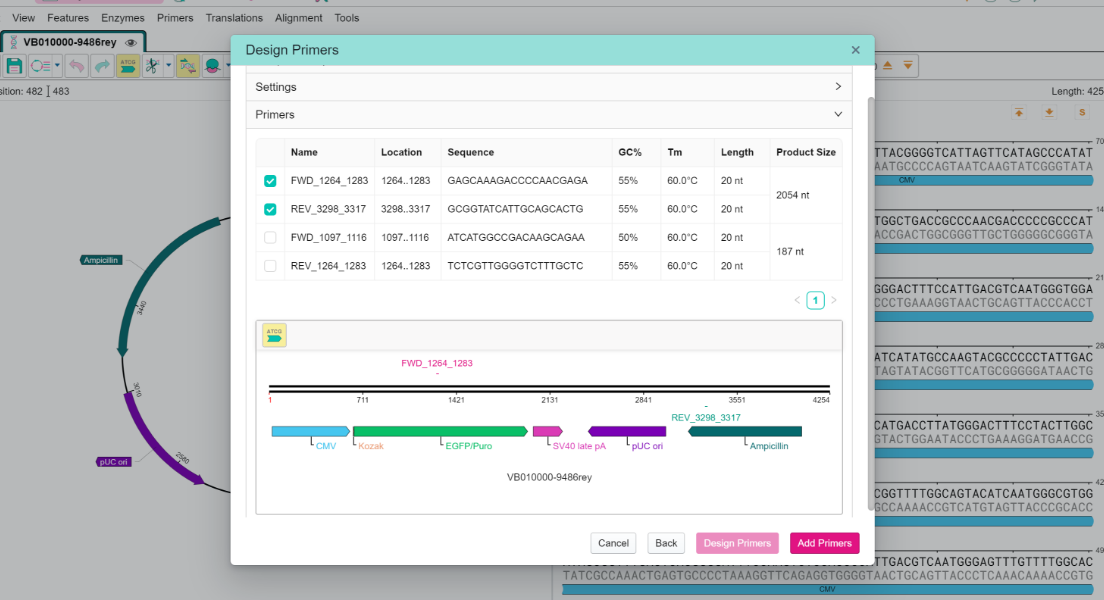
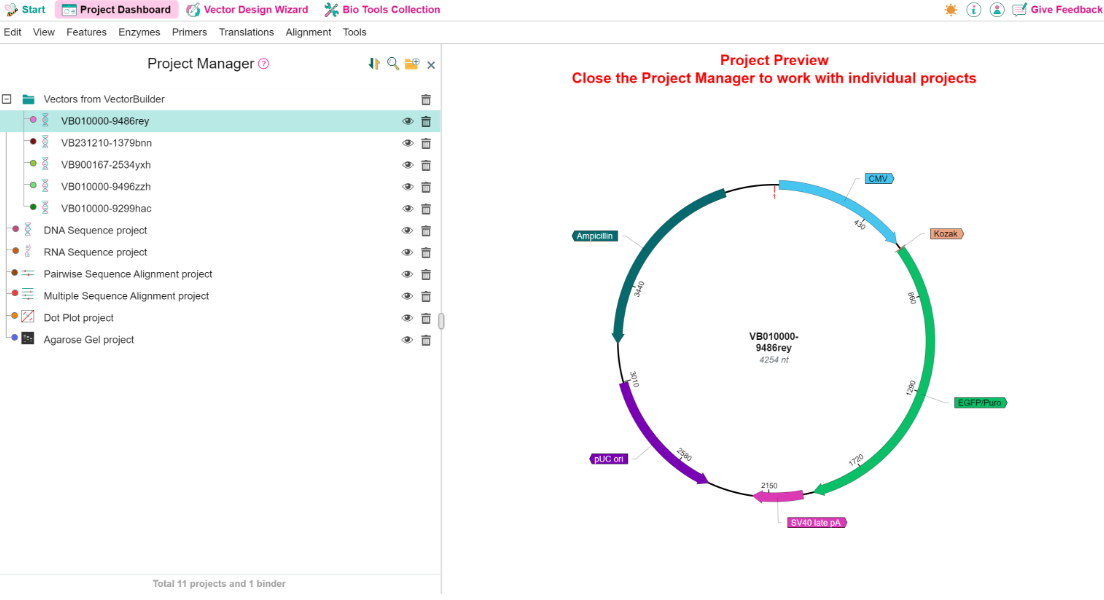
Thank you for the opportunity to use this great software to visualize and easily plan everyday DNA work. What I appreciate most about VectorBee is how well it meets a wide range of research needs, making my daily work much easier and more efficient. I would also like to highlight the fantastic support team behind the software - they are always quick, helpful, and professional. The continuous improvements and updates are also a great advantage, as they consistently make the software even better and more user-focused. All of this is outstanding on its own, but what truly makes VectorBee exceptional - and most useful - is when it's used together with the VectorBuilder plasmid design platform. The plasmids designed there can be easily reviewed, analyzed, and studied later in VectorBee in a very user-friendly way.
Provide Your Testimonials
Susanne Mellert
University of Bayreuth, Germany
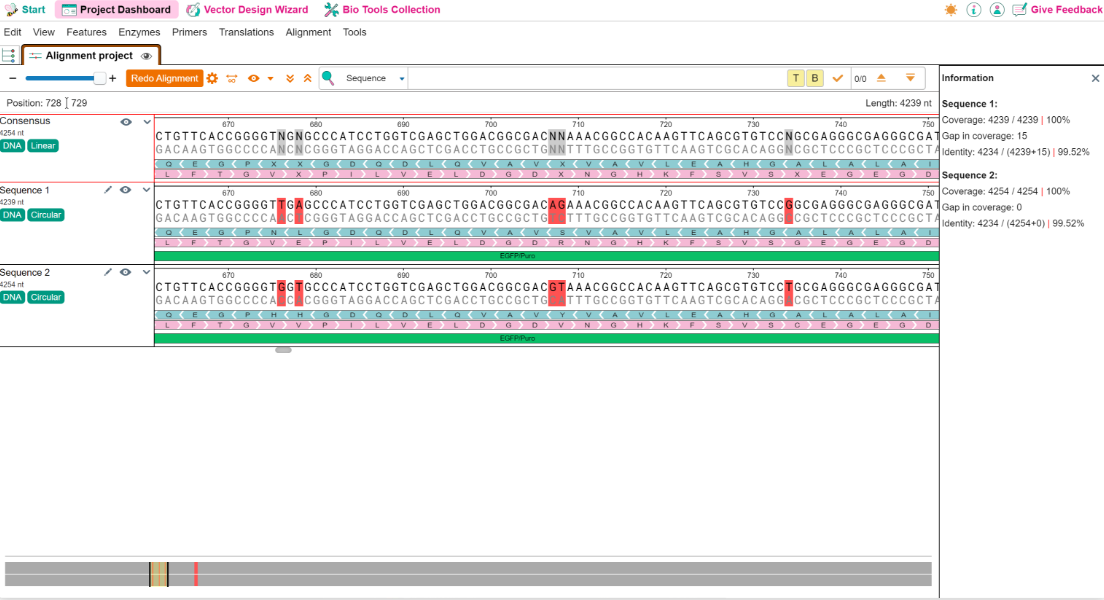
Thank you very much for prkviding such great software. I love using VectorBee at work. It's so much more intuitive to use than commercial alternatives. Also, the visualisation of alignments is so user-friendly.
Provide Your Testimonials
Dr. Zubair Khalid
University of Maryland, USA
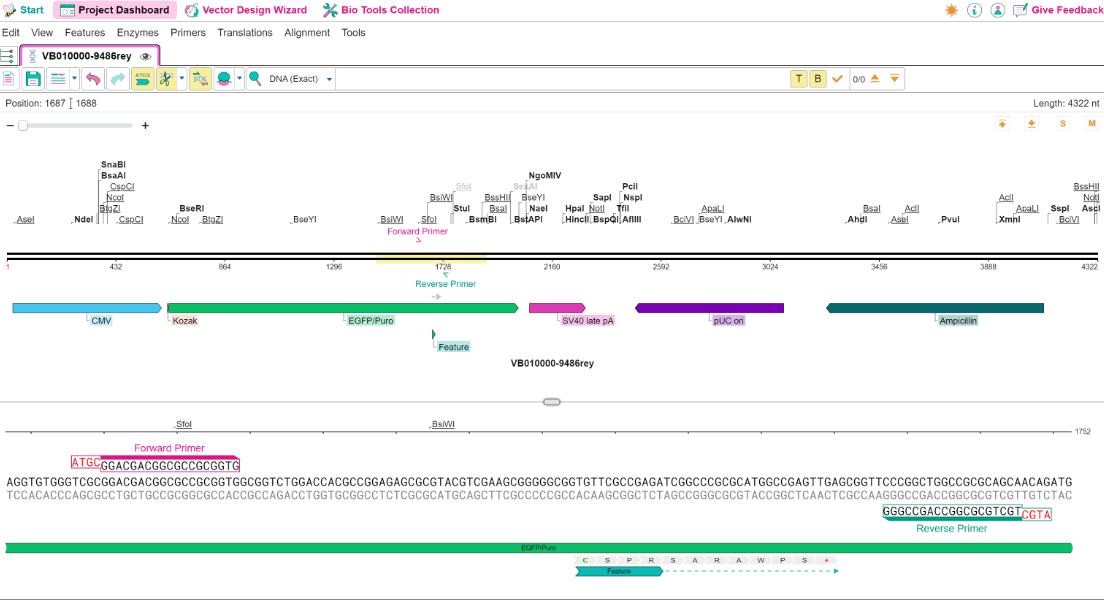
I've been truly impressed by the outstanding work behind Vector Bee. The software offers an exceptionally intuitive and research-friendly interface that makes molecular biology workflows seamless. I particularly appreciate the side-by-side plasmid and sequence views, which make editing and annotation so much more efficient. The alignment tools with bidirectional ORF visualization are another fantastic feature, they provide clarity and precision that’s invaluable for both basic and applied research. Compared to a paid alternative program, it is much smoother and faster on my MacBook. The project-based organization is also a huge advantage, keeping complex experiments well-structured and easy to revisit. In short, Vector Bee become an indispensable tool for me for my day-to-day tasks in the lab.
Provide Your Testimonials
Yonika Larasati
University of Geneva, Switzerland
I would like to thank you all for a great job in developing VectorBee. I've been using it in the past year and it quickly became a crucial tool in my cloning experiment.
Provide Your Testimonials










 Contact us at
vectorbeesupport@vectorbuilder.net
Contact us at
vectorbeesupport@vectorbuilder.net